SAM Broadcaster Pro Sound FX Panel: Instant-Play Jingles and Effects
Broadcast software on a monitor beside an audio mixer and microphone, for the SAM Broadcaster Pro Sound FX guide.

Chapter 8 of 14 The Sound FX Panel in SAM Broadcaster Pro The Sound FX panel gives you instant-play buttons for jingles, sweepers and sound effects — triggering audio immediately over whatever is currently playing. Opening the Sound FX Panel Click Window in the menu bar Select Sound FX How the Sound FX Panel Works … Read more
SAM Broadcaster Pro Encoder and Streaming Setup

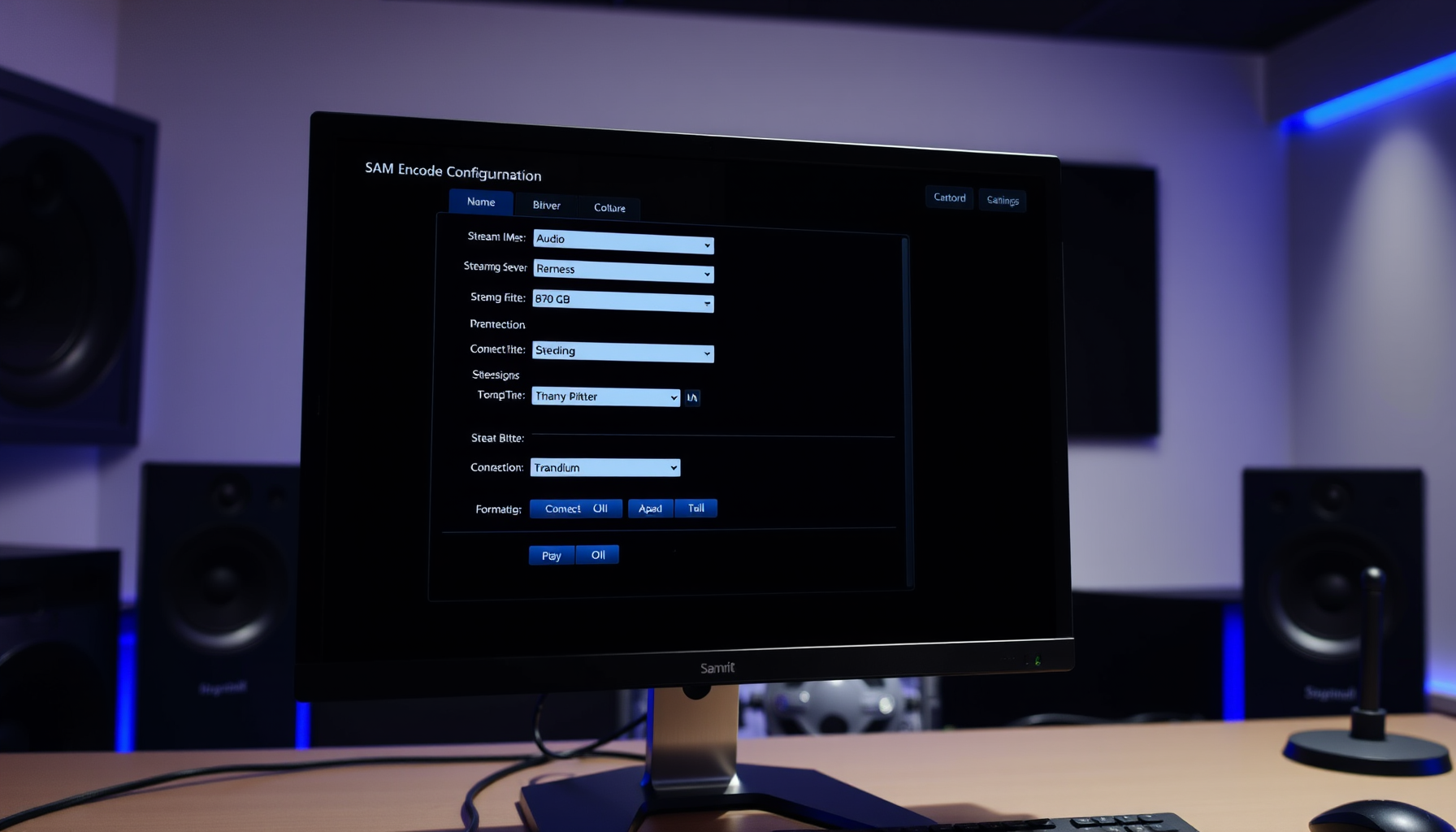
A monitor in a studio showing encoder settings, for the SAM Broadcaster Pro streaming setup guide.

Chapter 6 of 14 Encoders and Streaming in SAM Broadcaster Pro The encoder takes your audio and delivers it to listeners on the internet. SAM Broadcaster Pro has a built-in encoder that connects directly to SHOUTcast and Icecast streaming servers. What You Need from Your Streaming Host Before configuring an encoder, obtain the following from … Read more

SAM Broadcaster Pro Music Rotations and Auto DJ

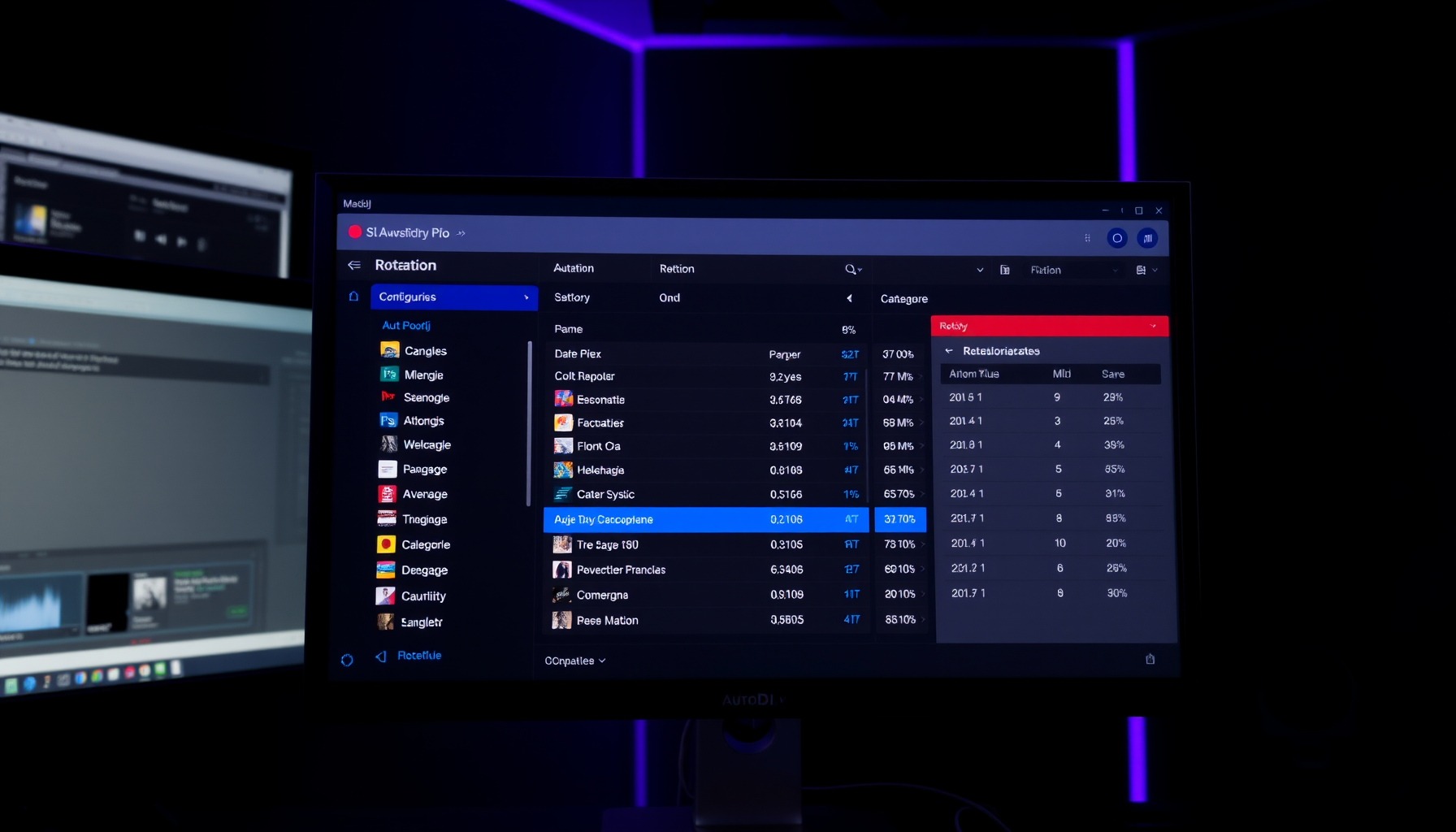
A computer screen displays the SAM Broadcaster Pro interface showing music rotations and auto DJ settings.

Chapter 5 of 14 Music Rotations and Auto DJ in SAM Broadcaster Pro Auto DJ is SAM Broadcaster Pro’s automated playback engine. Rotations define what it plays and in what order. How Auto DJ Works When Auto DJ is active, SAM Broadcaster Pro automatically pulls tracks from your categories in the order defined by your … Read more

SAM Broadcaster Pro Library Management and Categories

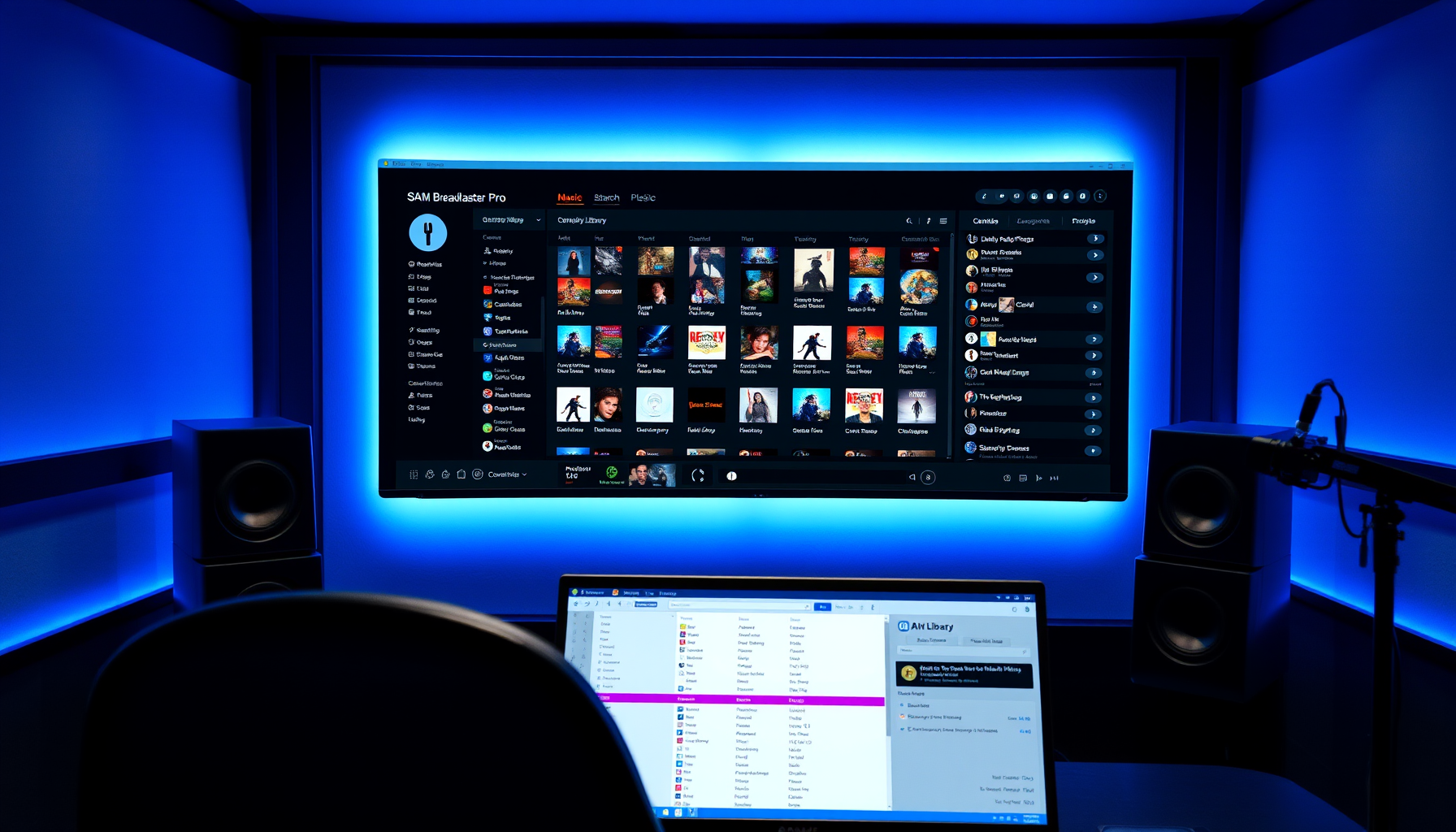
A studio monitor showing a music library sorted into categories, for the SAM Broadcaster Pro library guide.

Chapter 4 of 14 Library Management and Categories in SAM Broadcaster Pro Your music library is the heart of your station. Setting it up correctly from the start saves hours of work later. Adding Music to Your Library SAM Broadcaster Pro stores your music in an internal database. To add tracks: Open the Playlist panel … Read more

Installing SAM Broadcaster Pro: Download, Licence and First Launch

A studio monitor showing the SAM Broadcaster Pro logo and an audio waveform, for the installation guide.

Chapter 3 of 14 Installing SAM Broadcaster Pro Download, install and activate SAM Broadcaster Pro, then get familiar with the interface before you start configuring your station. Table of Contents Installing sam broadcaster: Download 14 Day Trial Run the Installer If Purchased, Activate Your Licence The SAM Broadcaster Pro Interface Layout Menu Installing sam broadcaster: … Read more

Optimizing Windows for SAM Broadcaster Pro

A multi-monitor workstation showing broadcast software and audio waveforms, for the Windows tuning guide.

Chapter 2 of 14 Optimizing Windows for SAM Broadcaster Pro Default Windows settings are built for desktop use, not 24/7 broadcasting. These changes will significantly improve the stability of SAM Broadcaster Pro. Disable Sleep and Hibernate Open Settings → System → Power & Sleep Set Sleep to Never Open Control Panel → Power Options → … Read more

Planning Your Internet Radio Station with SAM Broadcaster Pro

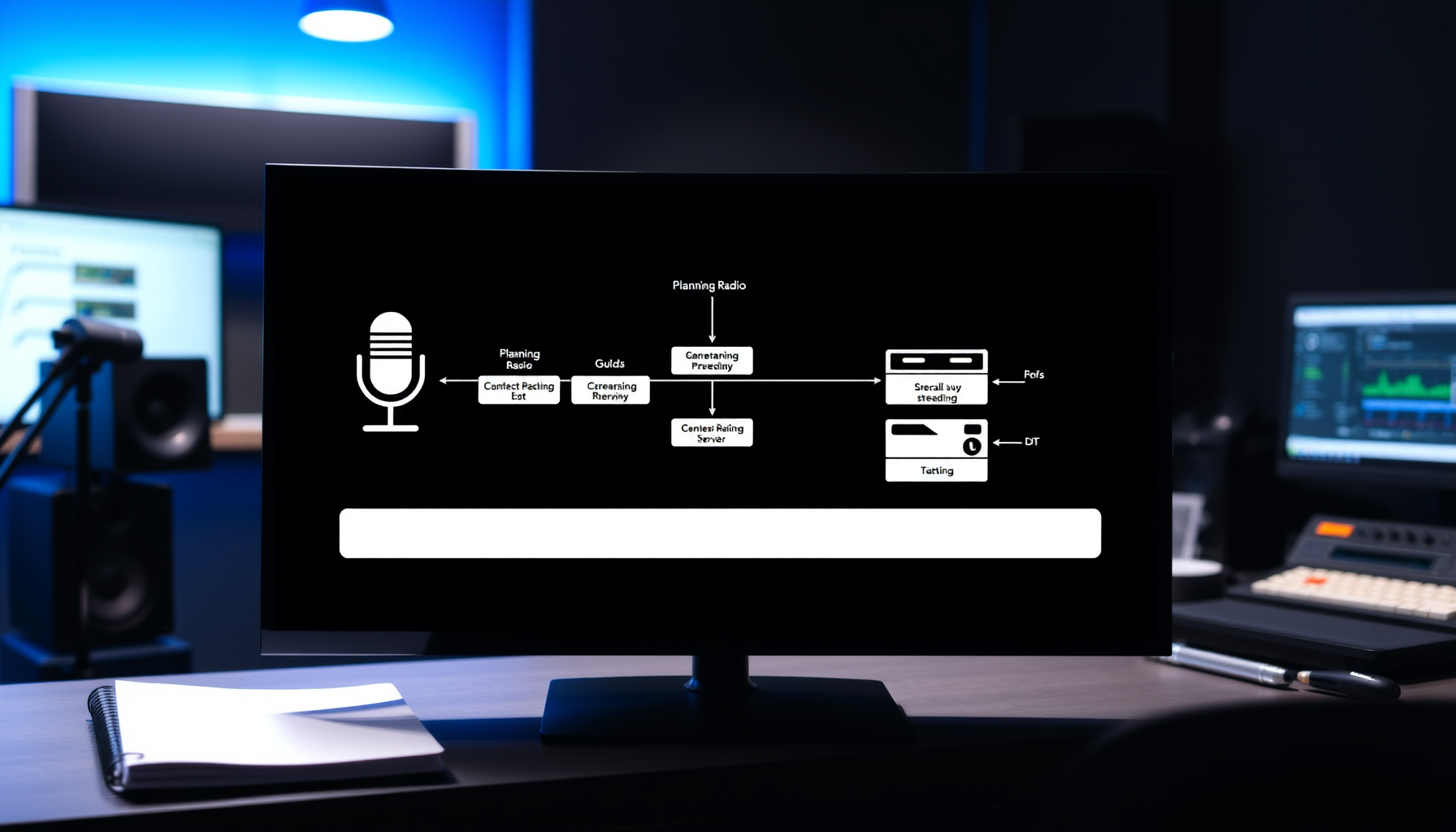
A monitor showing a planning flowchart, for the guide to planning an internet radio station with SAM Broadcaster Pro.

Chapter 1 of 14 Planning Your Internet Radio Station with SAM Broadcaster Pro Before you install a single piece of software, spend time planning. The decisions you make now will shape your format, your workflow and your hardware choices. Decide Your Station Format Your format is the foundation of everything. SAM Broadcaster Pro works with … Read more

SAM Broadcaster Pro: Automatic Startup and 24/7 Reliability

A screen showing a radio playlist and status panel, for the guide to automatic startup in SAM Broadcaster Pro.

Chapter 11 of 14 Automatic Startup and 24/7 Reliability with SAM Broadcaster Pro A station that requires manual intervention after every restart is not truly unattended. These steps make your broadcast PC recover automatically. Step 1 — Enable Automatic Windows Login Before SAM can start automatically, Windows must log in without a password prompt after … Read more

SAM Broadcaster Pro: Website Integration and Remote Access

A laptop and monitor showing radio station web pages, for the SAM Broadcaster Pro website integration guide.

Chapter 13 of 14 Website Integration and Remote Access A station website extends your reach to listeners, and remote access lets you manage your broadcast PC from anywhere. Building a Station Website Essential features for an internet radio website: Listen Live button — a direct link to your stream URL Now Playing widget — showing … Read more

Audio Processing in SAM Broadcaster Pro

A monitor showing audio processing controls and meters, for the SAM Broadcaster Pro audio processing guide.

Chapter 12 of 14 Audio Processing in SAM Broadcaster Pro Without processing, your stream will sound inconsistent and thin. SAM Broadcaster Pro includes a built-in audio processing chain that improves loudness and consistency significantly. Table of Contents Audio processing: Accessing the Audio Mixer Pipeline Built-In Processing DSP Plugins Stereo Tool with SAM Broadcaster Pro Processing … Read more