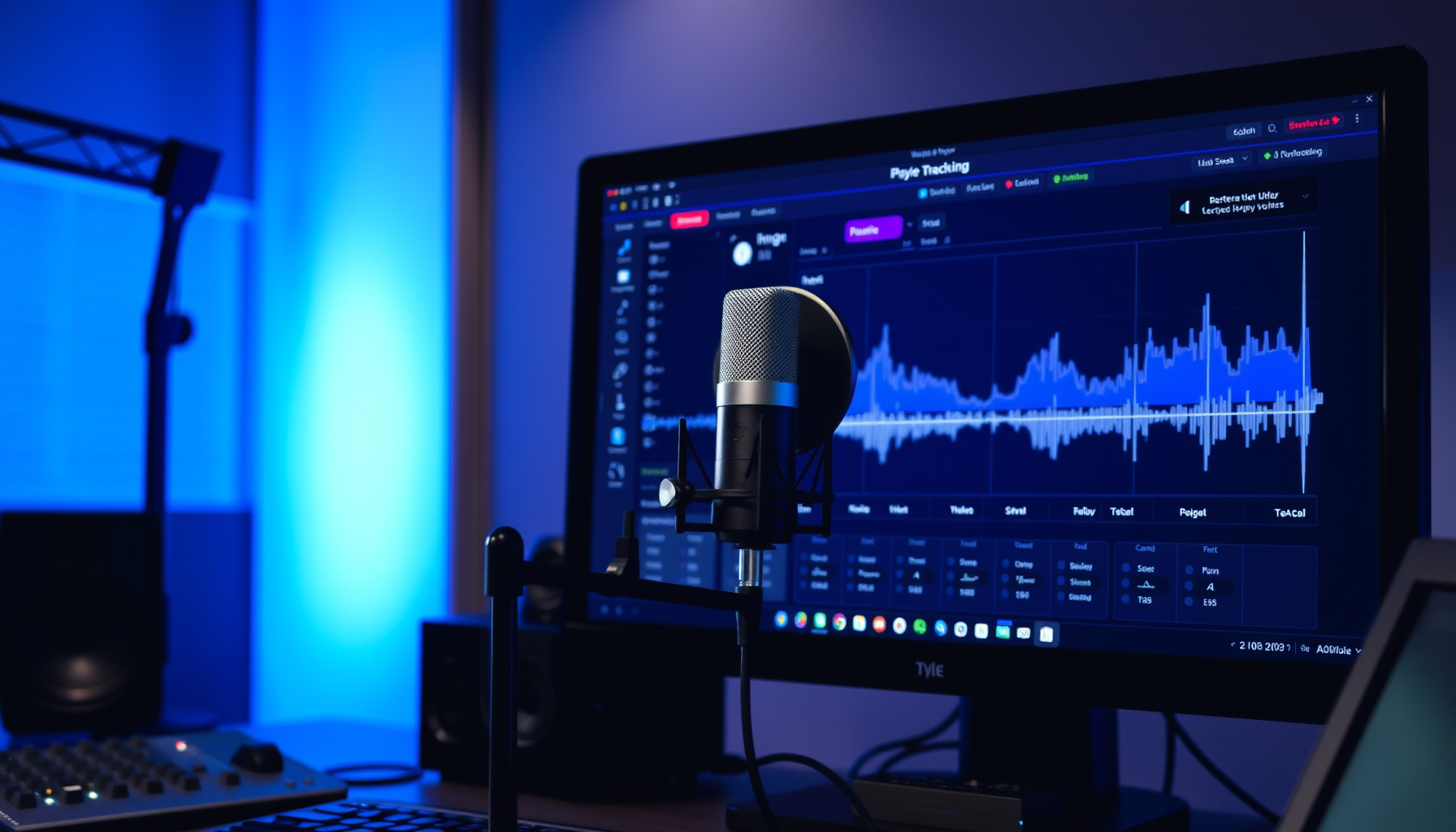
Voice tracking is one of the most powerful tools in an independent broadcaster’s arsenal — and one of the most misunderstood. Done well, it sounds exactly like a live presenter is in the studio. Done poorly, it sounds like a robot reading a script recorded three weeks ago. The difference is not equipment or technology. It is technique.
PlayoutONE supports voice tracking as a core feature. This guide covers how to use it effectively: the technical setup, the recording approach, the scripting philosophy, and the habits that separate voice-tracked stations that keep listeners from those that lose them.
This guide is part of the Complete Guide to Building a 24/7 Internet Radio Station with PlayoutONE.
Table of Contents
What Voice Tracking Is
Voice tracking is the practice of recording presenter breaks in advance and scheduling them to play at specific points within a pre-built automated programme. The break is inserted between songs in the PlayoutONE log, playing at exactly the right moment as if the presenter were live in the studio.
The listener experience when it is done well: a song ends, a presenter says something relevant and engaging about the next song, the music starts. It sounds live because the timing is real, the content is specific, and the energy is right.
Voice tracking is widely used across the radio industry — including at major commercial stations. It is not a compromise for under-resourced independent stations. It is a professional production technique.
How Voice Tracking Works in PlayoutONE
In PlayoutONE, the voice tracking workflow is:
- A log is generated for the broadcast hour, with songs, imaging, and break positions already in place
- You open the voice tracking editor for a specific break position in the log
- PlayoutONE shows you the song ending before the break (“outro”) and the song starting after (“intro”) — you can hear both while you record
- You record your break — speaking over the outro of the previous song and setting up the next song
- The recorded break is saved and inserted into the log at exactly that position
- When the log plays out on air, your recorded break plays at precisely the right moment, segued with the actual music
The key feature is hearing the actual songs around your break while you record. This is what makes voice tracking feel live — you are responding to the real music, not imagining it.
Equipment for Voice Tracking
You do not need a professional recording studio to do effective voice tracking. You do need equipment that sounds clean and professional.
Microphone
A USB condenser microphone is the minimum for voice tracking. Models from Audio-Technica, Blue (now a Logitech brand), and Rode all deliver broadcast-quality audio at reasonable prices. A cardioid pattern (picking up only what is directly in front of it) reduces room noise and background sounds.
If you have an audio interface, an XLR dynamic microphone like the Shure SM7B or Electro-Voice RE20 delivers the warm, punchy sound associated with professional radio presenters. Dynamic microphones are also more forgiving of imperfect recording environments.
Recording Environment
More important than your microphone is the room you record in. A bedroom with soft furnishings (carpet, curtains, a bed with pillows) is a surprisingly good recording environment — the soft surfaces absorb reflections that create a hollow, echoey sound.
Avoid: hard floors, large bare walls, small bathrooms (which add obvious reverb), and rooms with background noise from HVAC systems, traffic, or appliances.
Headphones
You need closed-back headphones to monitor the song outros and intros while recording without the sound bleeding back into the microphone. Any decent closed-back studio headphones work for this purpose.
Writing Great Voice Track Scripts
The most common mistake in voice tracking is writing scripts that sound like scripts. Listeners can hear the difference between someone reading and someone talking. Write for the ear, not the page.
Keep it short
Radio breaks are shorter than people expect. The sweet spot for most voice tracks is 15–30 seconds. Enough to say something meaningful, not so much that the listener wants the music back.
Be specific
Generic breaks (“That was a great song, here’s another one”) tell the listener nothing. Specific breaks engage and inform:
“That was Fleetwood Mac — Rumours came out in 1977 and went on to sell over 40 million copies. It is still one of the best-selling albums of all time. Next, an absolute anthem…”
Mention real information
The most effective voice tracks feel current because they mention real, current details: time of day, weather, upcoming events, listener location. You can record generic “morning” and “afternoon” versions of breaks to avoid sounding obviously pre-recorded.
Set up the next song
Every break should lead naturally into the music that follows. If you know what is playing next, reference it — artist, era, energy level, a piece of trivia. If you are recording generically (not knowing what song follows), focus on the station brand and listener relationship instead.
Talk to one person
Radio presenters are taught to imagine talking to a single listener, not an audience. “You’re listening to…” not “Welcome everyone…” This makes the break feel personal and direct.
Recording Technique for Voice Tracking
- Record standing up. Standing opens the diaphragm and adds natural energy and authority to your voice.
- Smile while you talk. A smile is audible in the voice — it adds warmth and approachability.
- Maintain consistent mic distance. Moving closer makes your voice sound more intimate; pulling back makes it thinner. Pick a distance (typically 6–12 inches) and stay there.
- Record multiple takes. The first take is rarely the best. Record two or three and pick the most natural-sounding one.
- Listen back critically. Does it sound like you are talking to someone, or performing? The latter needs another take.
Scheduling and Batch Recording
The most efficient voice tracking approach is batch recording: setting aside one session to record all the breaks for the next 24–48 hours of programming. This takes 30–60 minutes for a typical day of programming and means your station sounds live around the clock from a single recording session.
Some stations voice track by daypart — recording a set of morning breaks, afternoon breaks, and drive breaks that can be reused across multiple days. This works but risks sounding stale if the same breaks repeat too often. Rotate your break content regularly.