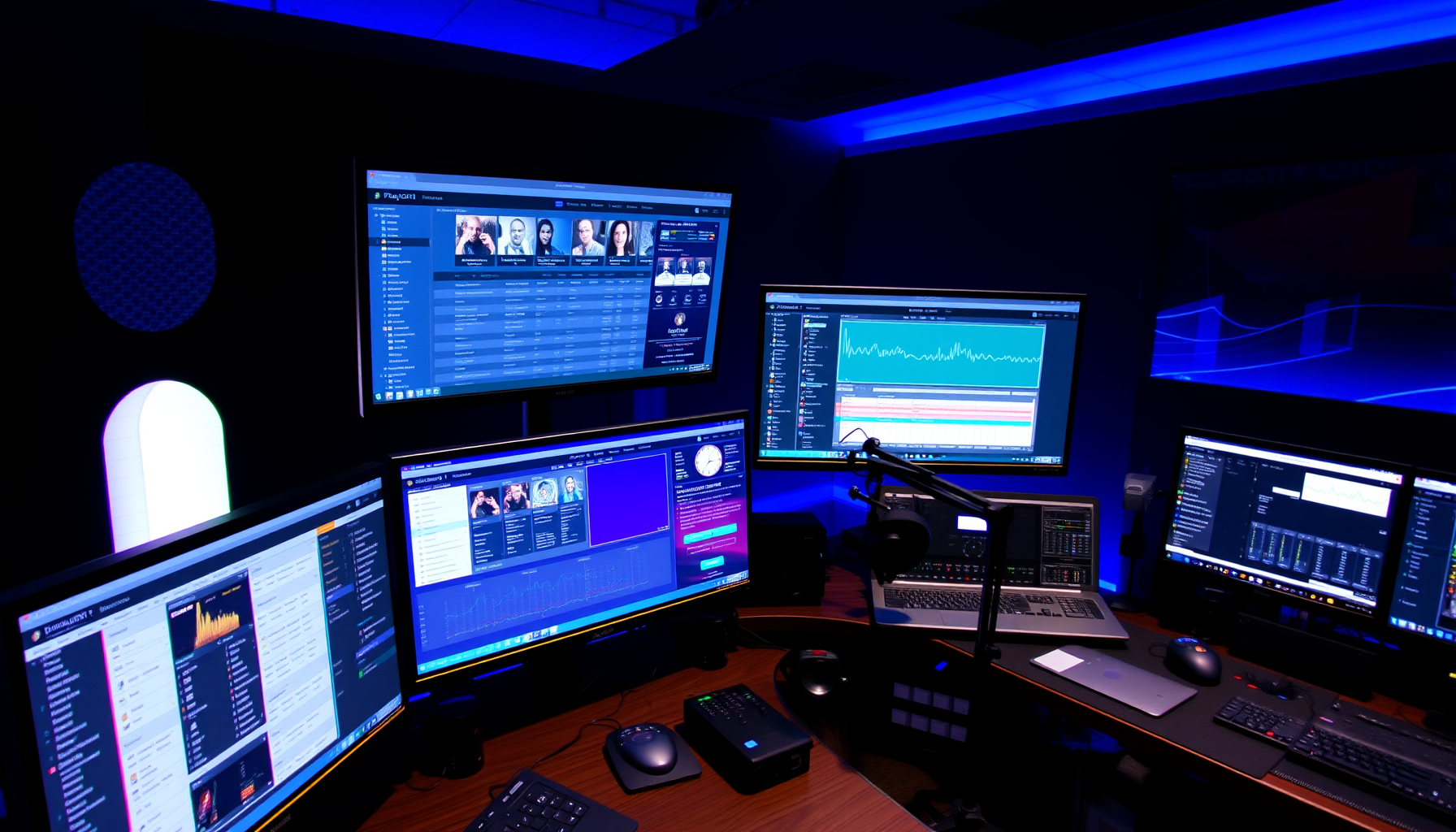
The Complete Resource
Build Your Own Professional
Internet Radio Station
PlayoutONE makes broadcast-quality radio automation free and accessible. This is the most comprehensive guide to using it — from first install to a station running 24/7 without you in the room.
Everything You Need, Step by Step
Fourteen focused guides covering every part of building and running a PlayoutONE internet radio station. Work through them in order or jump to exactly what you need.
Ready to Start?
Begin with Step 1 and work through each chapter in order — or jump straight to the part you need.
Guides for Other Playout Software
Looking at other options, or setting up more than one system? These guides cover the other major playout applications.
SAM Broadcaster Pro GuideThe complete 14-chapter guide to building a 24/7 station with SAM Broadcaster Pro.Start the guide →RadioDJ GuideBuild a free 24/7 internet radio station with RadioDJ — the powerful free playout software.Start the guide →Mixxx GuideUse Mixxx as free DJ software to broadcast a live or automated internet radio station.Start the guide →
See all guides: stationadmin.com/guides