Chapter 6 of 14
Encoders and Streaming in SAM Broadcaster Pro
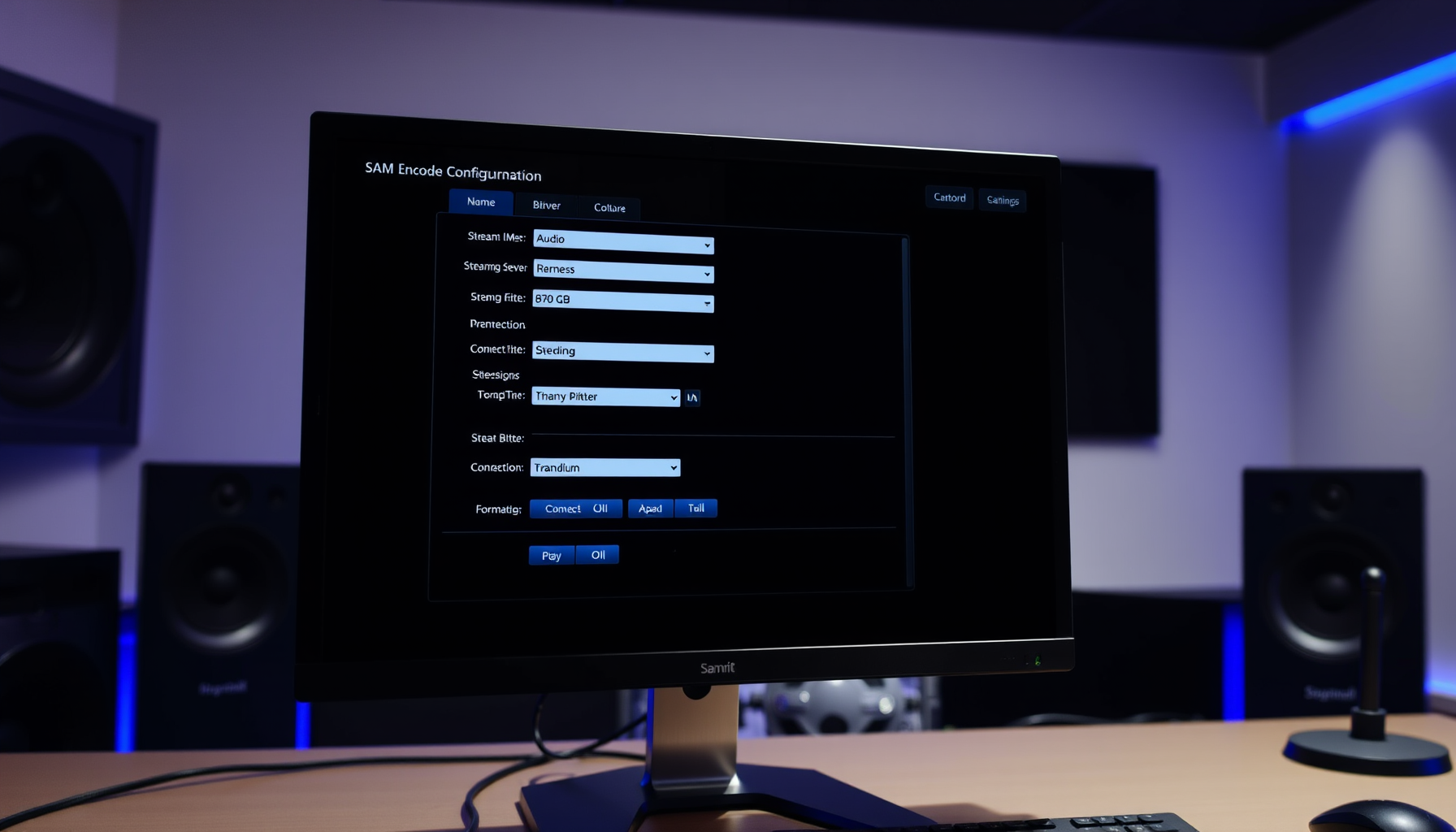
The encoder takes your audio and delivers it to listeners on the internet. SAM Broadcaster Pro has a built-in encoder that connects directly to SHOUTcast and Icecast streaming servers.
What You Need from Your Streaming Host
Before configuring an encoder, obtain the following from your streaming hosting provider:
- Server address — e.g. stream.yourhost.com
- Port number — e.g. 8000
- Password (source password)
- Server type — SHOUTcast v1, SHOUTcast v2 or Icecast 2
- Mount point (Icecast only) — e.g. /stream
Opening the Encoders Panel
- Click Window in the menu bar
- Select Encoders
- The Encoders panel will open in the interface
Adding an Encoder
- In the Encoders panel, click the + button to add a new encoder
- Select your server type: SHOUTcast v1, SHOUTcast v2 or Icecast 2
- Enter your server address and port number
- Enter your password
- For Icecast 2, enter the mount point
- Click Connect
Choosing Your Format and Bitrate
SAM Broadcaster Pro supports the following encoding formats:
- MP3 (LAME_ENC) — compatible with all players, works with SHOUTcast and Icecast
- aacPlus v2 — higher quality at lower bitrates, good for mobile listeners
- OGG Vorbis — open format, works with Icecast 2
Recommended bitrate settings:
- 64 kbps AAC+ — low bandwidth, good mobile quality
- 128 kbps MP3 — standard quality, widest compatibility
- 192 kbps MP3 — higher quality for music-focused stations
Set the sampling rate to 44100 Hz and mode to Stereo.
Testing Your Stream
- Start Auto DJ so audio is playing
- Connect your encoder
- Open your stream URL in VLC, a browser or a mobile phone
- Verify audio plays cleanly with no dropouts
- Disconnect and reconnect the encoder to confirm auto-reconnect works
Multiple Encoders
SAM Broadcaster Pro supports multiple simultaneous encoders. Add a second encoder using the same + button process with different bitrate or server settings to run a high-quality and low-quality stream at the same time.