Chapter 7 of 14
Metadata and Now Playing in SAM Broadcaster Pro
Metadata tells your listeners what is playing — in their stream player, on your website and in radio directory listings.
How Metadata Works
When SAM Broadcaster Pro starts a new track, it sends the artist name and title to your streaming server. Listeners’ players display this in real time. Your streaming server also exposes this data via a URL that websites and apps can read.
Configuring Metadata
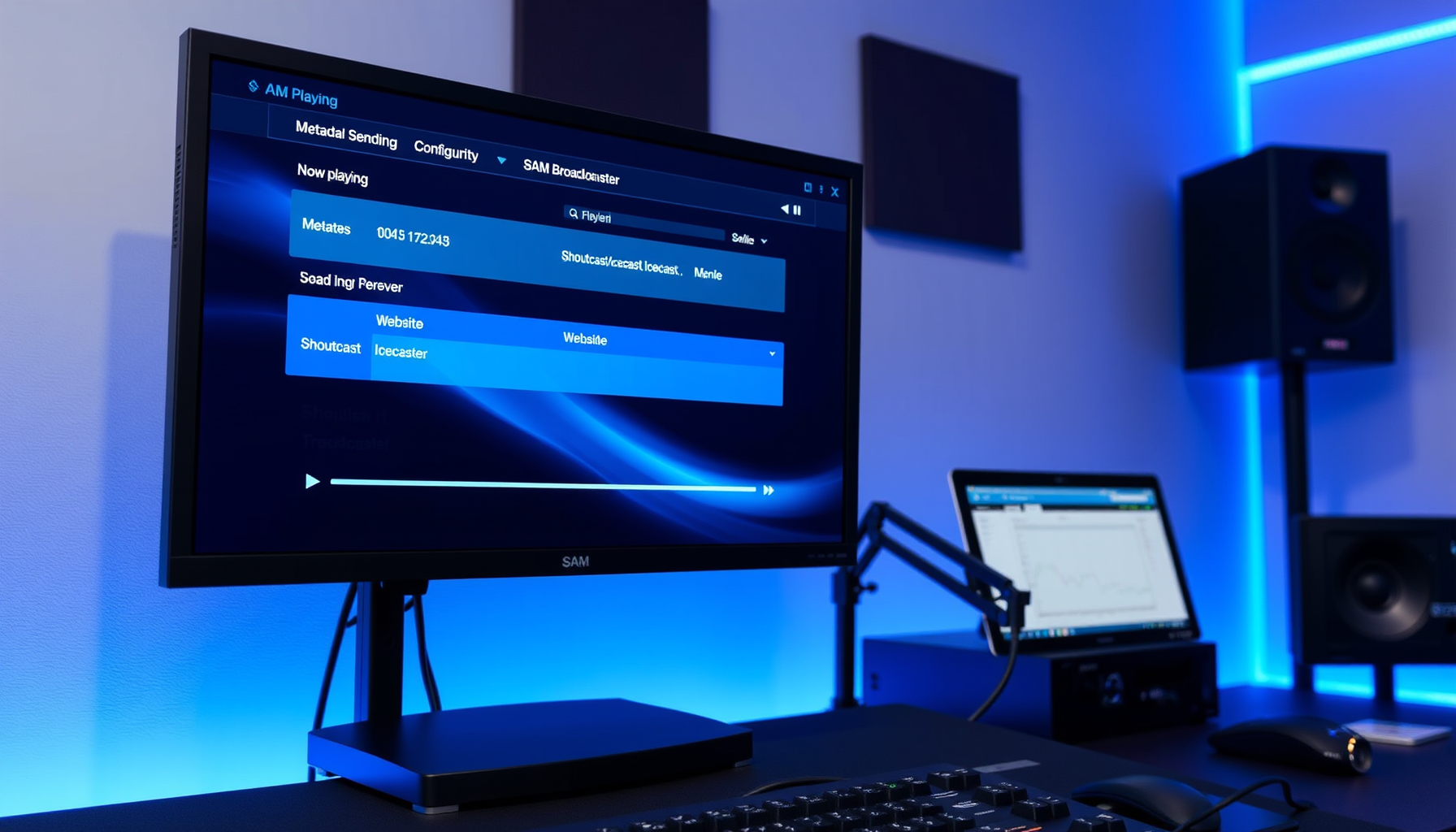
Metadata settings are found in the encoder configuration. When you add or edit an encoder (via Window → Encoders), you will see fields for station name and metadata format. The standard format is:
%artist% - %title%
This produces output like: The Beatles – Hey Jude
Accurate artist and title tags in your library are essential for this to display correctly.
HTML Output
SAM Broadcaster Pro includes an HTML Output feature, accessible from the Tools menu. This generates an HTML file containing your current now-playing information that you can use on a website or internal display. Configure the output path and template in the HTML Output settings.
Now Playing on Your Website
Most streaming hosting providers offer a now-playing API or embed widget through their control panel. This reads metadata directly from your stream and displays it on your website without any additional configuration in SAM.
Track History
SAM Broadcaster Pro keeps a log of recently played tracks. Access it via Window → History. This is useful for confirming that metadata is being sent correctly and for reviewing what played during a given period.
Reports
The Reports option in the Tools menu provides playback statistics and history reports that can be exported for review or compliance purposes.